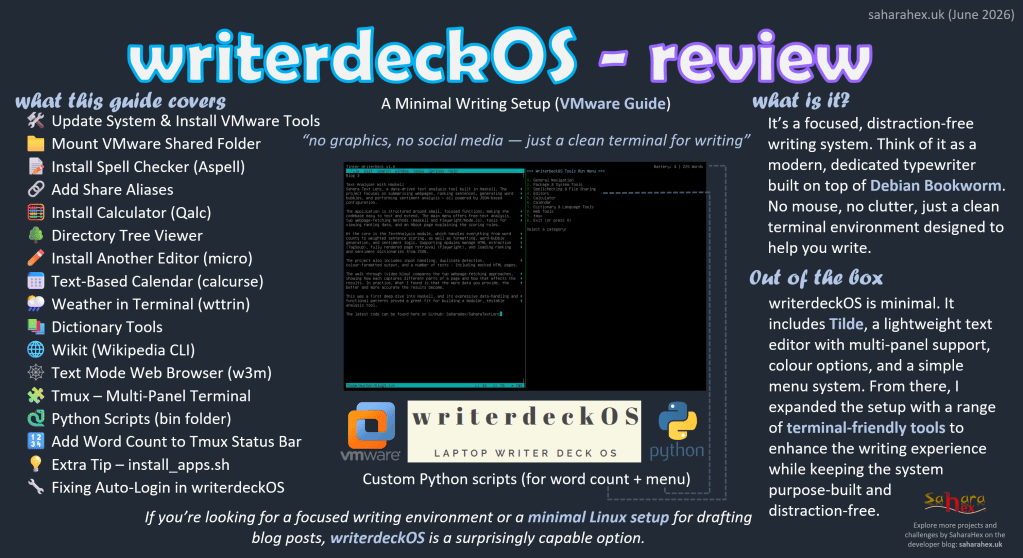
writerdeckOS is a focused, distraction‑free writing environment built on Debian Bookworm. This review looks at running it inside VMware and shows how you can extend it with lightweight terminal tools, quality‑of‑life tweaks, and a few custom scripts. The guide covers the essentials for turning writerdeckOS into a practical writing workstation while preserving its minimalist philosophy.
What This Guide Covers
A streamlined setup for writerdeckOS inside VMware:
- System updates and VMware Tools
- Shared folder mounting
- Useful terminal applications
- Writing‑focused utilities
- Tmux multi‑panel workflow
- Custom Python scripts (word count + menu)
- Auto‑login fix (If auto login stops working, the guide includes a simple system fix)
- Optional install script for rebuilding the system quickly
Overview
writerdeckOS ships with very little installed. Tilde provides a simple editor with colour options and split‑window support. From there, you can extend the system with a few carefully chosen tools:
- Aspell for quick spell checking
- Qalc for conversions and calculations
- Tree for directory overviews
- Micro as an alternative editor
- Calcurse for calendar notes and reminders
- wttr.in for weather
- dict / wordnet for definitions and synonyms
- Wikit for quick Wikipedia lookups
- w3m for text‑mode browsing
Tmux ties everything together, letting you run multiple panels side‑by‑side — ideal for writing while referencing a dictionary or wiki.
Custom scripts (included in the GitHub repo) add extra functionality:
- countapp – word counter with daily goal
- menu / menu_ex – quick reference and command launcher
- install_apps.sh – optional installer for rebuilding a fresh VM
Everything is lightweight, fast, and keeps writerdeckOS focused on what it’s meant for — writing.
The custom scripts can be found here on GitHub: SaharaHex/writerdeckOS-VMware-Guide


Leave a comment